
Smarten offers sophisticated, easy-to-use augmented analytics and data discovery tools that are easy enough for every business user to adopt.
With Smarten Augmented Analytics you can transform your organization from a business with data silos and restrictive data access and roles to an enterprise that enables collaboration, data literacy and data sharing – without compromising data governance!
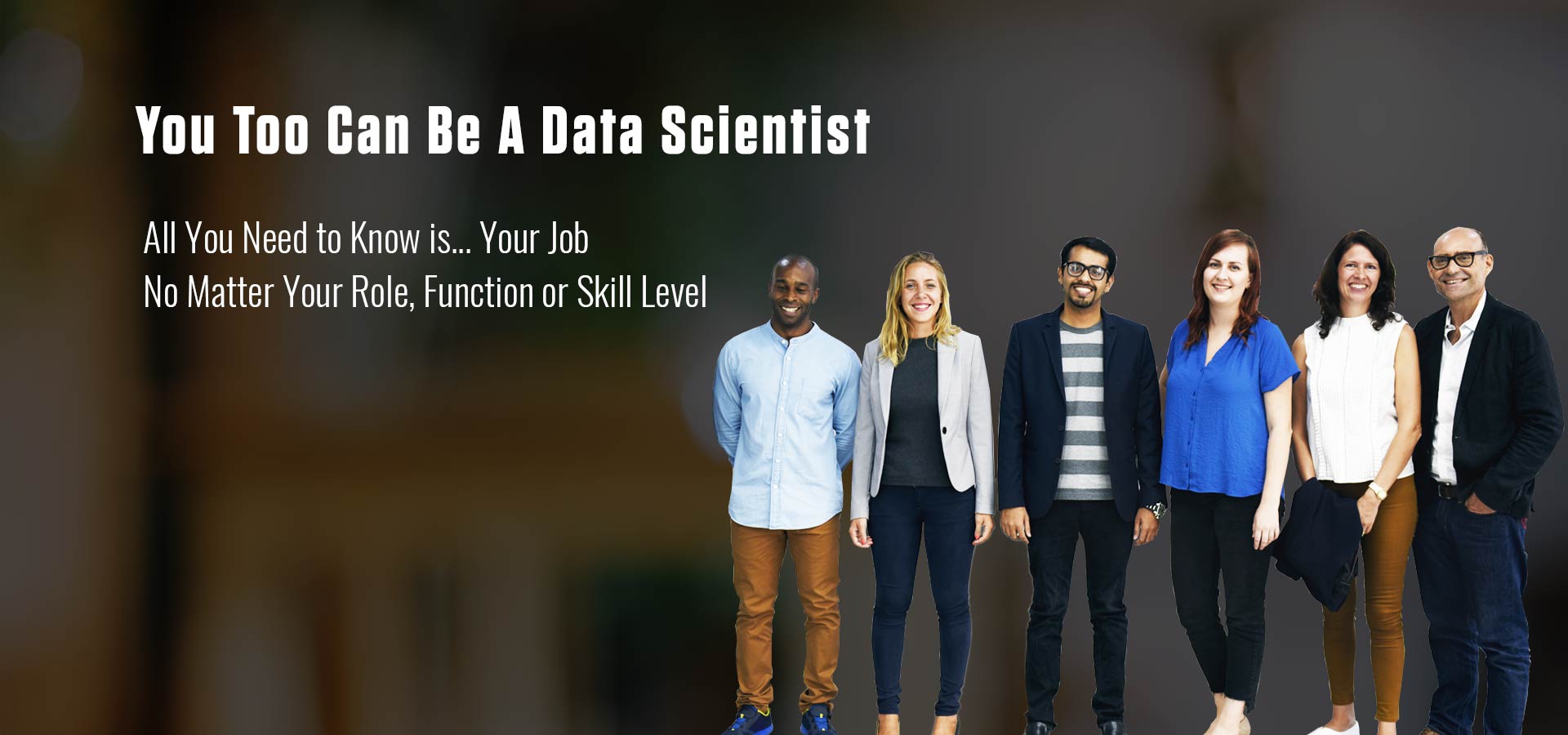
Gartner defines a Citizen Data Scientist as ‘a person who creates or generates models that leverage predictive or prescriptive analytics but whose primary job function is outside of the field of statistics and analytics.’ A Citizen Data Scientist is different from a true Data Scientist in one crucial way; namely, they do not have the skills or training to be an analyst or a programmer but, with the right tools, they are capable of generating reports, analyzing data and sharing data insights to make decisions.
We offer a FREE online Citizen Data Scientist course, and in-person and online instructor-led workshop to help your business users gain traction in their new roles and become champions of augmented analytics. Find out more about our learning opportunities and Click Here to explore our workshops.
The world-renowned technology analyst firm, Gartner predicts that the Citizen Data Scientists is the future of your business.
Smarten supports the evolution of advanced analytics with augmented analytics tools and features as well as modern business intelligence tools and functionality. One solution for every business, data scientist, Citizen Data Scientist, IT professional and user in your organization.
Allows business users to perform data preparation and transform, shape, reduce, combine, explore, clean, sample and aggregate data, without the need for SQL skills, ETL or other programming language to quickly move data to the analytics system without waiting for IT staff assistance.
Focus on what matters and find the most relevant influencers for your target KPIs. Simply, point to the dataset you want to analyze and the system will identify the target variable and influencers that matter and help users achieve objectives. Allow users to interact with the tools to reveal and understand the impact of influencers and focus on variables that matter most to the target.
Assisted Predictive Analytics provides predictive modeling guided workflow and capability with auto-recommendations and auto-suggestions to help business users with no data science background to create, share and use predictive models and leverage prescriptive modeling to optimize outcomes, without the expertise and skill of a data scientist.
Smart data visualization allows business users to view and analyze data to identify a problem and clarify a root cause and to make confident decisions, interact easily with data discovery tools and analytics software and build a view using guided visualization and data presentation based on data type, volume, dimensions, patterns and nature of data.
Smarten Sentiment Analysis leverages Natural Language Processing (NLP), text analytics, and computational linguistics to identify and analyze sentiment, opinion and responses and can be used for text analysis to gain insight into how and why people make choices and what they are really thinking and categorize feedback as positive, negative and neutral sentiments. The process is simple, and is designed for business users, and does not need any scripting or coding.
Natural Language Processing (NLP) provides a familiar Google-type interface where a user can compose and enter a question using common human language. With NLP search capability, users do not need to scroll through menus and navigation. They can enter a search query in natural language and the system will return the results in natural language in an appropriate form, such as visualization, tables, numbers or descriptions.
Toolset allows business users to select the dataset for analysis and let the system interpret the dataset, select important columns of data, analyze its type and variety and other parameters and use intelligent machine learning to automatically apply the best algorithm and analytical technique and provide data insights.
Reveal trends, anomalies, and answers, map your targets, focus on influencers that matter, adapt and succeed. SnapShot allows business users to establish key performance indicators, receive auto-suggestions and alerts on changing contributions and the impact of influencers on the target, as well as related anomalies and volatility to quickly identify key influencers and variables that affect the target KPI.
Smarten Augmented Analytics Mobile App gives business users and Citizen Data Scientists all the access and features they have come to expect from Smarten with NLP Clickless Search Analytics, Analytics Dashboards and seamless, flexible reporting all in a mobile app! Improve user adoption and participation, with data democratization to enable digital transformation and mobile access, to provide on-the-go analytics for fact-based decisions and organizational agility.
Smarten also includes modern BI and analytics components that allows business users to leverage personalized dashboards, multidimensional key performance indicators (KPIs), cross-tab & tabular reports, Pixel Perfect Print Reports to create non-columnar, custom reports and templates and design and configure documents for preprinted fixed formats, geo-maps and deep dive analytics with 100% browser based interface and self-serve features that encourage and support Social BI and collaboration.
Improve user adoption rate, lower TCO and improve ROI with Smarten Embedded BI and Augmented Analytics. Integration APIs provide intuitive, self-serve BI tools from within enterprise applications. With access to self-serve analytics from within familiar enterprise apps, BI adoption and use increases exponentially! Whether your business needs seamless BI and analytics access for team members, or you want to expand your own software product and improve your competitive status in the market, Smarten Embedded BI and Integration APIs holds the key to your success.
Smarten products and solutions are built on a low-code no-code BI platform that requires no programming or developer scripting and provides users with meaningful tools and features that support every role and ensure that reports and visualization techniques provide the information each user needs in a way that makes the most sense for them.
To find out how Augmented Analytics and the Citizen Data Scientist approach can help your organization and support you in your role within the organization, Click Here
The rewards of business user focused advanced analytics, the use of BI tools, and the Citizen Data Scientist approach are too numerous to mention and there are many use cases to support the effectiveness and benefits of augmented analytics within the average enterprise.
To explore more real-world uses case applications for Augmented Analytics, Click Here
Click HERE to download an evaluation copy of Smarten










































































Get started today with our self-paced FREE online Citizen Data Scientist course. Contact us today to find out how Smarten can help your organization enable the Citizen Data Scientist environment and leverage the power of augmented analytics.
Coming soon!